Products
Product importer
On this page
Links it reads
We buy from three marketplaces in China, so those are the links the importer takes. Paste one in the importer, or many at once in Bulk import.
| You paste | You get |
|---|---|
| A Taobao or Tmall product link | One product with every variant, its photos and the seller's stock |
| A Weidian product link | The same as a Taobao link |
| A 1688 product link | The same, plus the seller's minimum order where it has one |
| A finds sheet: a creator's Google Sheet of product links | Every product link in the sheet, each as its own draft (Bulk import) |
The finds page on NinjaBuy, ninjabuy.com/spreadsheets/d/… | The same as the sheet it shows |
| A list of links, one per line | One draft per link; links we can't read are listed apart (Bulk import) |
 docs.google.com/spreadsheets/d/1aB…/editImport all
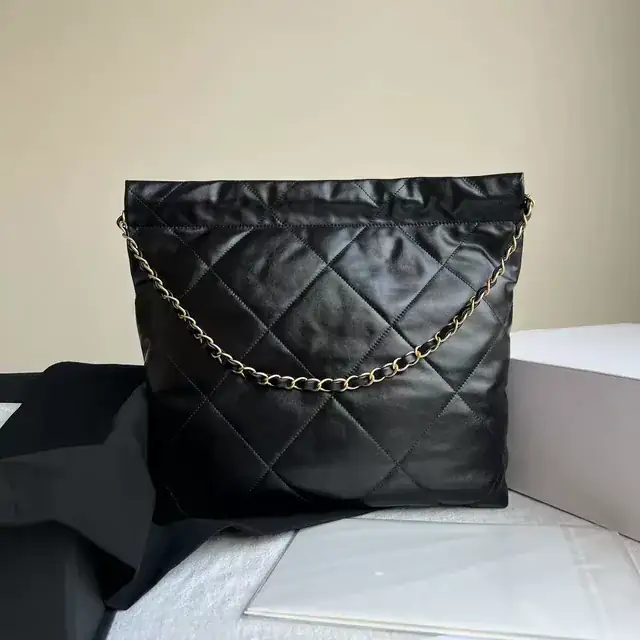 Quilted chain toteTaobaoIn drafts
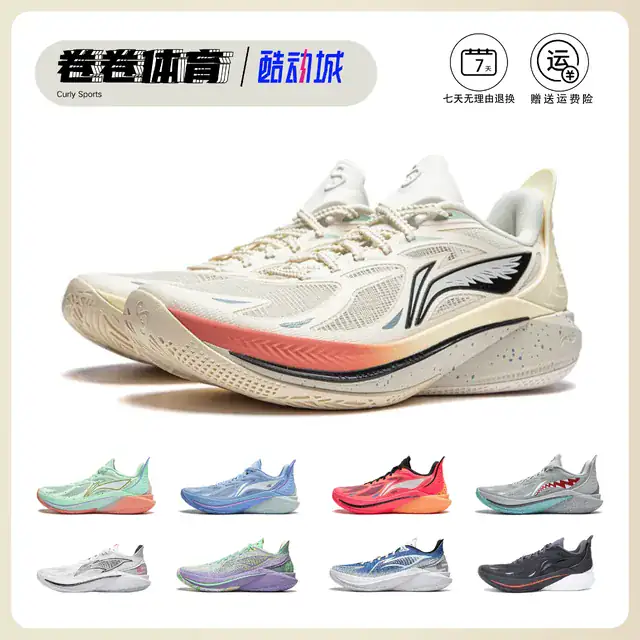 Mesh running shoesWeidianPick a variant
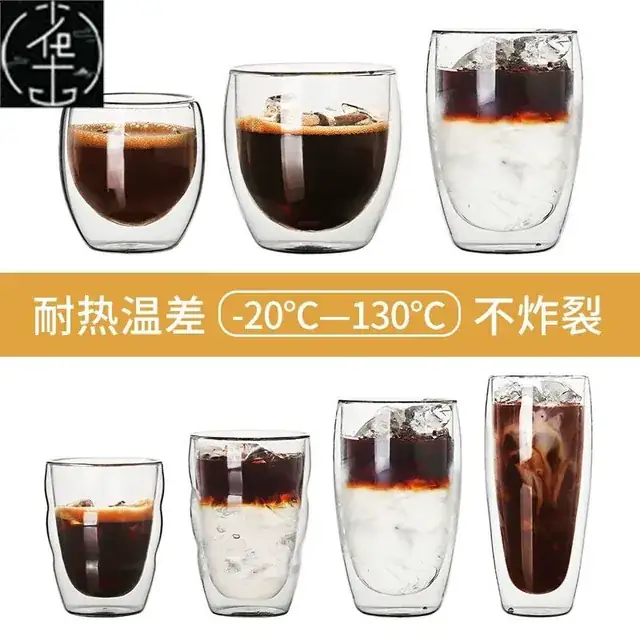 Ribbed glass cup1688In drafts
 Ionic hair dryerTaobaoBrand check
 Lemon squeezer1688Reading…
A sheet row that names one variant ("black, size 42") is matched to it. When a note matches two variants, or none, the row waits in drafts for you to pick.
What the importer reads
While the analysis loads, the importer reads the listing, translates its title, checks the title and photos for brand names and logos, and works out the costs. You get:
- An English title written from the seller's Chinese one, with brand words left out. The original stays beside it. Edit it before you push.
- The photos from the listing. They belong to the seller who took them; the QC photos of your first order are ours to share with you and make a safer start.
- Every variant with the seller's price in CN¥ and the seller's stock. Untick the ones you don't want to sell.
- The seller's shipping to our warehouse, where the listing charges any.
| Sell | Variant | Seller's price | Stock |
|---|---|---|---|
| Black | ¥68.00 | 1,240 in stock | |
| Cream | ¥68.00 | 312 in stock | |
| Burgundy | ¥72.00 | Sold out at the seller |
A variant the seller has sold out of comes in unticked, and sync keeps watching it.
Reading the analysis, line by line
The analysis prices one sale of the variant you pick: the order we place with the seller, and the parcel we send your customer. These are the same lines you are charged when it sells.
- Product from the sellerBlack, 1 unit
- CN¥68.00
- Intake feePer item group, seller to our warehouse
- CN¥12.00
- Flat tax on the purchase14% of the two lines above
- CN¥11.20
- Shipping estimate0.6 kg to the United States, Saver line
- CN¥58.00
- Handling feePer parcel: picking, packing, label
- CN¥50.00
- Flat tax on the parcel14% of shipping and handling
- CN¥15.12
- Landed cost
- CN¥214.32
- Product from the seller
- The seller's price for the variant, times the quantity, in CN¥.
- Intake fee
- CN¥12.00 per item group: the seller's parcel to our warehouse, taking it in and photographing it. A group is one product line, so two of the same item pay it once.
- Flat tax on the purchase
- 14% of the product and the intake fee.
- Shipping estimate
- From our published rates for the variant's weight and your customer's country. Until we have weighed the item ourselves it uses the seller's weight, so it is an estimate; the parcel is charged on what it really weighs. See the shipping calculator.
- Handling fee
- CN¥50.00 per parcel: picking the item, packing it in your box and preparing the label.
- Flat tax on the parcel
- 14% of the shipping and the handling fee.
- Landed cost
- The sum: what one sale costs you, delivered to your customer's country. Here CN¥214.32.
Every line is in CN¥, the currency we charge your balance in, and also in your store's currency at the day's rate. The full fee list: Fees.
Margins and your price
Two numbers decide the suggested price, and both are yours: the marketplace's fee and the margin you want to keep. The importer finds the price that leaves that margin after the landed cost and the fee.
| In the example | Value |
|---|---|
| Landed cost | CN¥214.32 |
| Marketplace fee, your estimate | 13% of the price |
| Target margin | 30% of the price |
| Suggested price | CN¥376.00 |
Example. The fee and margin are numbers a seller typed, not anyone's rates.
The suggested price is landed cost ÷ (1 − fee − margin), rounded up. Type your own price instead and the analysis shows the margin it leaves. Under 0% it turns red: that sale would lose money.
Marketplace fees are your estimate
What a marketplace takes depends on your category, your plan, your country and how the buyer pays, and it changes. So the importer never guesses: it starts from the fee you saved for that channel, and you can edit it on any product. Check yours on the marketplace's own page:
- eBay selling fees
- Amazon selling fees
- Shopify plans and card fees
- TikTok Shop, Etsy and your payment provider: their fee pages in your seller account.
Brand warnings
Copies of branded goods get listings removed and stores closed on every marketplace, and card processors refuse to take payments for them. The importer looks for two signs:
- A brand name in the seller's title or in a variant name.
- A logo in one of the photos. The photo is outlined in red.

A brand name in the seller's title and a logo on photo 3. Marketplaces remove listings that copy a brand.
A flagged product can't be pushed until you tick the box, and you should tick it only when you own the brand or hold its written permission to sell it. Otherwise leave the product out. If we flagged something that is not a brand at all, save it as a draft and tell us; we look at it.
Brand words are already left out of the English title, but leaving out the words does not make a copy legal. Our prohibited items apply to every order too.
Push to Shopify
Push to Shopify creates the product in your store with the title, description, photos, the variants you ticked and your price. It lands as a draft, so nothing goes on sale until you have looked at it.
- Variants
- Black, Cream
- Location
- Fulfilled by NinjaBuy
- Stock
- From the seller's stock, kept in step by sync
- Push from the importer or from Drafts
In Drafts you can push many at once, or schedule them to go out a few a day. Products held for a brand check stay behind.
- Open the product in Shopify
It ships from the Fulfilled by NinjaBuy location, and each variant is already mapped to its NinjaBuy listing. Stock is set from the seller's stock.
- Check it, then set it to Active
Shopify then lists it on the sales channels you connected there: your store, and eBay, Amazon or TikTok Shop through their apps.
Pushing again
Edited a draft after pushing it? Push it again and the Shopify product is updated, not duplicated. What a push again changes and what it leaves alone:
| On the Shopify product | Push again |
|---|---|
| Price | Updated to the draft's price |
| Variants you ticked or unticked | Added, or set to 0 stock |
| Stock | Set from the seller's stock, as sync does |
| Title, description and photos | Updated only if you changed them in the draft |
| Status (draft or active) | Kept as you set it in Shopify |
| Tags, collections, SEO fields | Kept: those are yours |
Products you already sell
No need to push a product you already have. Map each of its variants to a NinjaBuy listing in the NinjaBuy app in your Shopify admin, and its next order comes to us.
- Open the NinjaBuy app in Shopify and find the variant
Unmapped variants show Not mapped.
- Paste the Taobao, Weidian or 1688 link and pick the SKU it matches
- Set NinjaBuy units per item
How many of the seller's units make one of yours. A pack of 3 on your store, made of single cups from the seller, is 3.
- Set the product to ship from Fulfilled by NinjaBuy in Shopify
 Linked to NinjaBuy. “Fulfilled by NinjaBuy” is a location in your store.
| Shopify variant | NinjaBuy listing |
|---|---|
Quilted tote · Black SKU QT-BLK | Taobao · 菱格链条包 黑色 |
Glass cup · Set of 4 SKU GC-4 | 1688 · 竖纹玻璃杯 4 per item |
Bar chair · Walnut SKU BC-WAL | Not mapped |
What the importer costs
Nothing, with no product limit and no plan. We earn on what sells: the fees on each order, listed in Fees. Keeping your products in step with the seller is free too: see Price and stock sync.